iCube for iOS and tvOS
A downloadable emulator for macOS
DolphiniOS/tvOS — Modern Dolphin for Apple Platforms
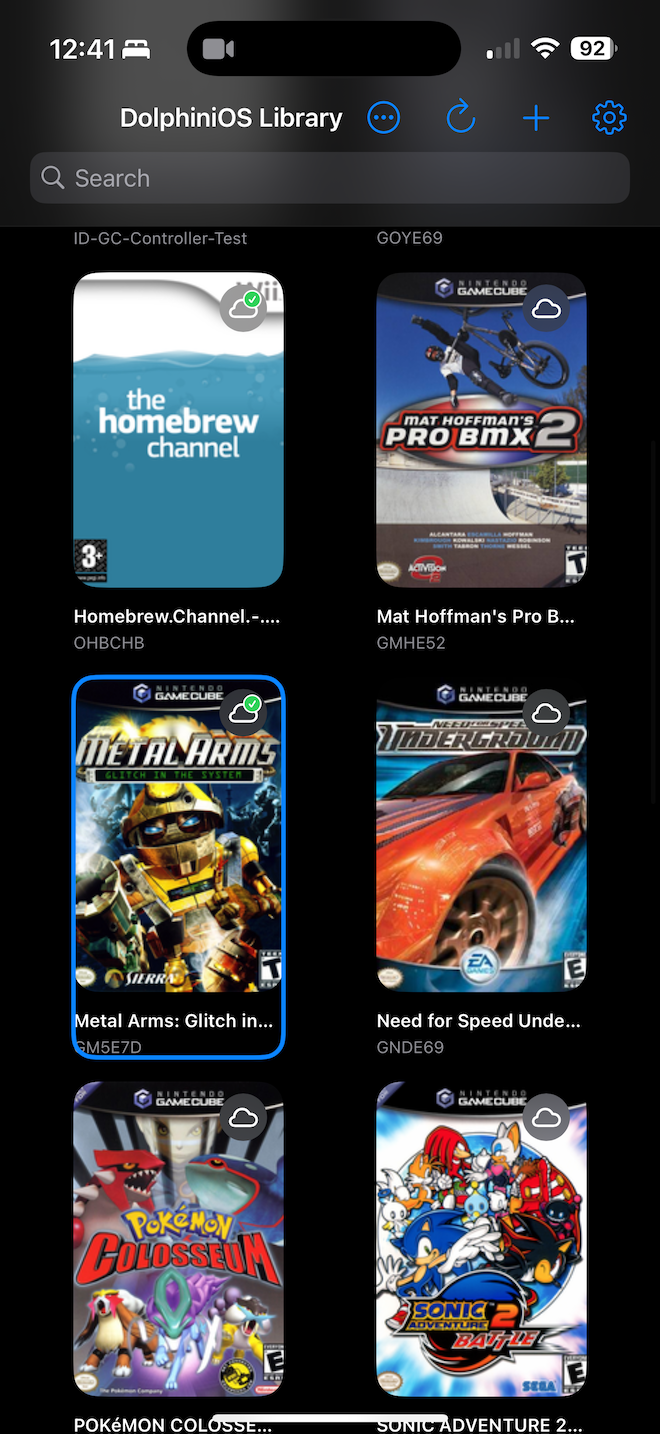
A refined, native-first Dolphin experience designed specifically for iPhone, iPad, and Apple TV. This build pairs the latest Dolphin core with a SwiftUI app tailored for touch, controllers, and the living room — fast, streamlined, and carefully polished.
Why this build is special
- True tvOS support: Ten-foot UI, focus-aware navigation, and tvOS-safe controls make this feel native on Apple TV.
- Modern SwiftUI app: Clean UI, consistent design, and smooth navigation on iOS and tvOS.
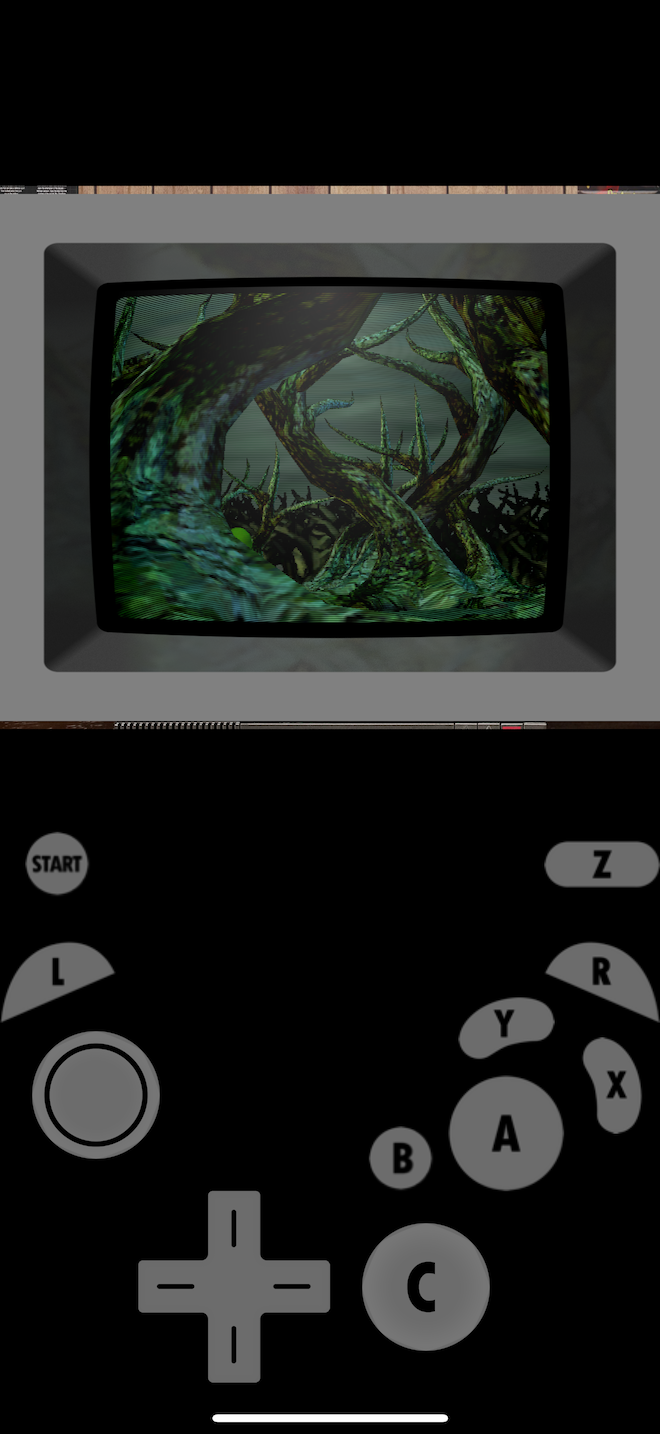
- Best-in-class controller support: Thoughtful mappings including DualShock/DualSense touchpad → Wii IR, reliable fast‑forward (hold all paddles), and robust handling of connects/disconnects.
- Touchscreen cursor that just works: Fixed and tuned for precise Wii IR on iOS.
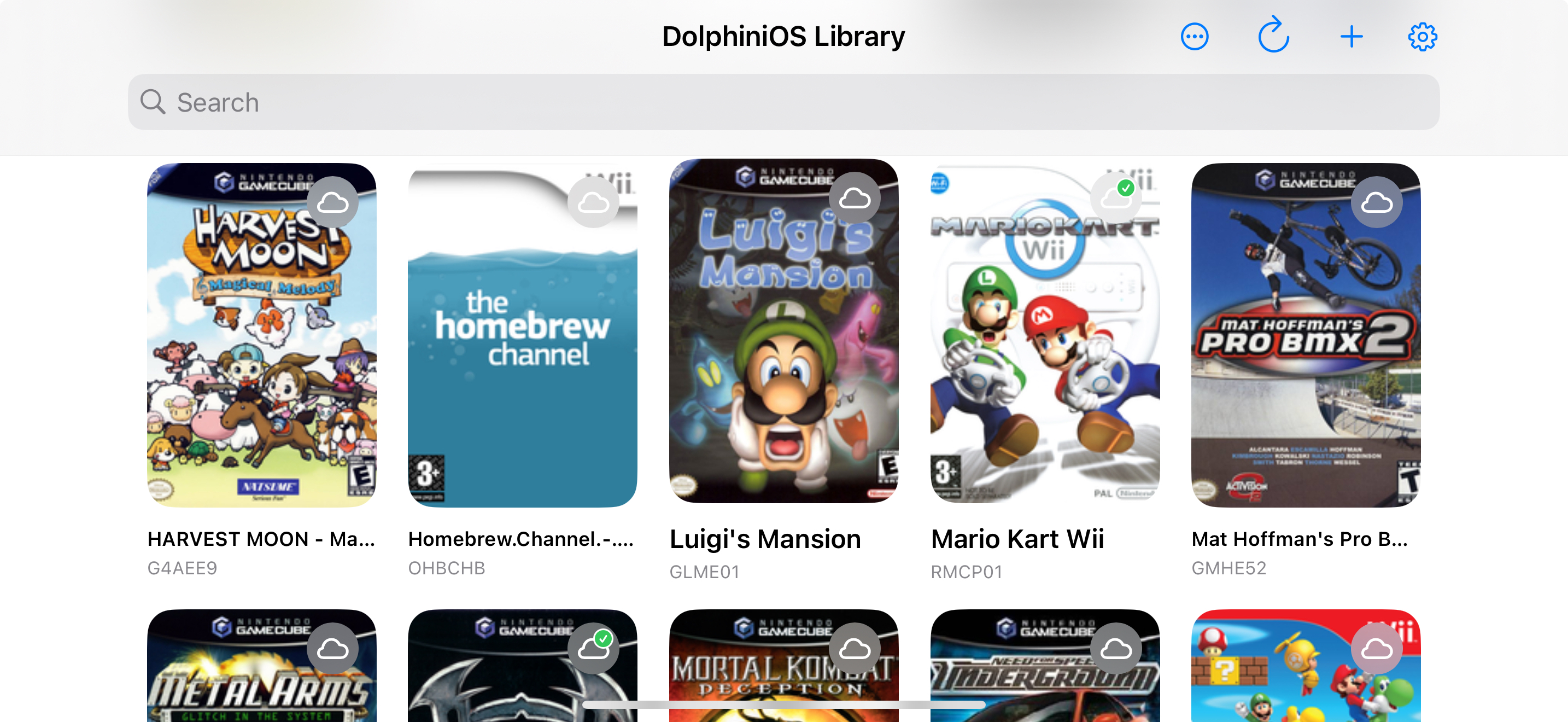
- Remote library done right: WebDAV browsing with per-directory ETag caching, conditional requests, and change detection for snappy, bandwidth‑friendly updates.
- ROMs over HTTP: Proper WBFS header parsing and block mapping to recognize and import remote WBFS titles without hacks.
- Smarter UI details: Redesigned onboarding, solid search/filtering, and a stable on‑screen controls toggle that respects user intent.
- Custom JIT-less performance tweaks for iOS / tvOS specifically. Better performance than any other Dolphin version without JIT (JIT recommended when available for performance and battery life improvements)
Key features
- Game formats: WBFS, ISO, and more via Dolphin core, including remote ROMs over WebDAV.
- WebDAV integration: Add remote sources, browse quickly with caching, and detect updates from the server efficiently.
- Search that finds what you mean: Filter by title, ID, maker, region, and file path on both iOS and tvOS.
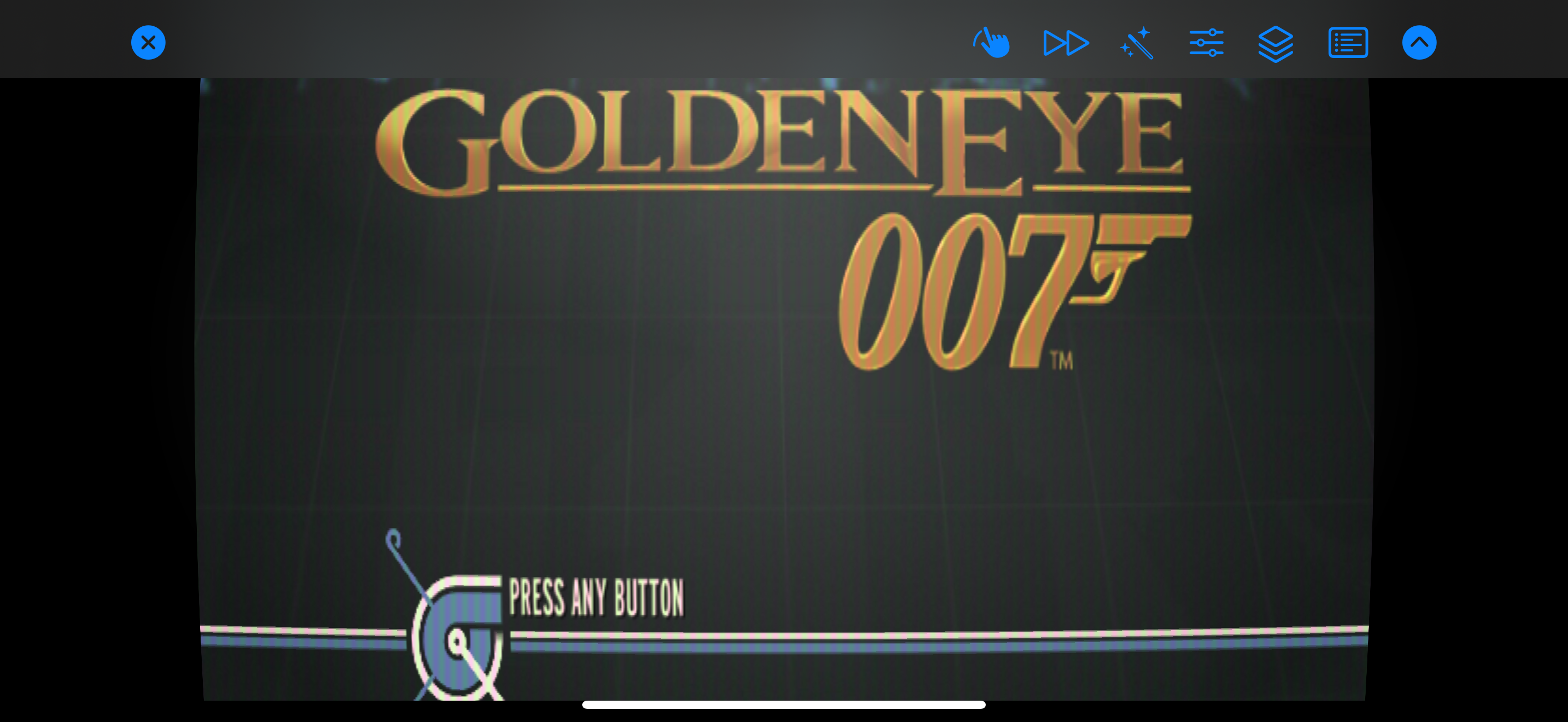
- Save states and pause menu: Fast access to core actions, with clean, platform-appropriate UI.
- On‑screen controls: Auto-enabled when no controller is connected, but respects manual overrides.
- Performance controls: Hold all four paddles for turbo; reverts cleanly when released.
- Stability improvements: Safer metadata reads and crash‑prone code paths hardened.
What’s included
- Native iOS and tvOS apps
- SwiftUI interface with platform‑specific polish
- WebDAV client with caching and conditional requests
- Enhanced controller mappings (MFi, DualShock, DualSense, Xbox)
- Siri Spotlight Integration
- 1k+ Native Metal shaders
- Faster than the mainline project's non-JIT cached interpreter
- Automatic scaling options for performance reliability
Requirements
- iOS 16+ or tvOS 17+
- A12 or newer recommended for best performance (iPhone XS/11 and newer, Apple TV 4K)
- Game files not included
Notes
- No jailbreak required. Install via Xcode or your preferred method.
- This project does not include copyrighted content. Use only games you own.
- JIT is recommended. Use StikDebug or similar tools to activate JIT. iOS / tvOS 26 JIT is not yet supported. Do not update to iOS / tvOS 26 until a new JIT method is released. One is in development and will be released after the official iOS / tvOS 26 Release from Apple as not to leak the new method.
What is "JIT" ?
JIT means "Just-In-Time Compilation", it makes emulators (which support JIT) run better/run at all or have other use cases in tools such as LiveContainer, StikDebug, or similiar tools to launch iOS apps differently (by not having to sign them first with SideStore), which are installed into it.
---
If you want Dolphin on iOS/tvOS that feels native, plays great with real controllers, streams from WebDAV efficiently, visual shaders, faster JITless options, and adds quality-of-life touches like Quick Actions and Siri Search, and reliable turbo — this is the build.
Open-Source
Components of DolphiniOS & Dolphin are distributed under MIT, BSD-3,CC0 and MIT licenses.
DolphiniOS and this version of it by Joe Mattiello are not associated with the main Dolphin emulator project.
DO NOT BOTHER THEM with issues.
Full source code for this version is available here.
https://github.com/Provenance-Emu/dolphin-ios-jitless/tree/brand175/master%2Bpatches/
How to install and run (iOS/iPadOS)
- Download the .ipa from this page to your device or computer.
- AltStore (recommended)
- Install AltStore on your device and AltServer on your Mac/PC. See the official guide: AltStore Setup.
- With AltServer running on the same Wi‑Fi network, open AltStore → My Apps → tap “+” and select the .ipa, or install via AltServer (macOS/Windows) → “Install .ipa”.
- On first install, trust the profile in Settings → General → VPN & Device Management.
- Enable JIT for best performance: in AltStore → My Apps → tap the app → Enable JIT (device must be on the same network as AltServer and AltServer must be running). You can re‑enable JIT any time if iOS revokes it.
- Free Apple IDs must re‑sign every 7 days; paid developer accounts last 1 year.
- SideStore (wireless alternative)
- Install SideStore using its WireGuard‑based setup: SideStore Guide.
- Share/Open the .ipa with SideStore to install.
- Enable JIT from SideStore’s JIT option (ensure your SideStore tunnel is active). Details in the docs: SideStore JIT.
- Sideloadly (macOS/Windows)
- Install via Sideloadly by dragging the .ipa and signing with your Apple ID.
- Trust the profile in Settings → General → VPN & Device Management.
- JIT is not provided by Sideloadly itself; pair with AltStore/SideStore JIT or use the advanced method below.
About JIT (Just‑In‑Time compilation)
JIT is recommended. Use StikDebug or similar tools to activate JIT. iOS / tvOS 26 JIT is not yet supported. Do not update to iOS / tvOS 26 until a new JIT method is released. One is in development and will be released after the official iOS / tvOS 26 Release from Apple as not to leak the new method.
- What it does: Greatly improves performance for GameCube/Wii titles.
- The easiest ways to enable:
- AltStore “Enable JIT” (requires AltServer running on the same network).
- SideStore JIT (via its WireGuard tunnel).
- Advanced (developer) method: Xcode/LLDB attach
- If you sign the app with a developer certificate (get‑task‑allow) and enable Developer Mode (iOS 16+), you can attach LLDB (or Xcode’s debugger) to the running process to grant JIT. This is intended for developers and requires a Mac with Xcode.
Notes and tips
- Keep AltServer (AltStore) or the SideStore tunnel available when you need to re‑enable JIT.
- If the app won’t open, re‑trust the profile or re‑install if the 7‑day certificate has expired.
- You must supply your own legally obtained game files. Do not share copyrighted content.
- For help and latest instructions:
If you run into setup issues, the quickest fix is usually: reboot the device, ensure you’re on the same Wi‑Fi as your AltServer (for AltStore JIT), and try Enable JIT again.
Download
Click download now to get access to the following files:
Development log
- iCube Beta 9Oct 05, 2025
- iCube Beta 7 for iOSSep 30, 2025
- Name change; iCube Beta 6Sep 22, 2025
- DolphiniOS SwiftUI Edition 4.1.0 Beta 5 for iOS and tvOSSep 14, 2025
- DolphiniOS SwiftUI Edition for iOS Beta 4Sep 09, 2025
- DolphiniOS 4.1.0 Beta 3 for iOS and tvOSSep 05, 2025
- DolphiniOS 4.1.0 Beta 2 for iOSSep 04, 2025